Bluemark for Odoo
Storage Cleanup
See where the space goes, and reclaim it safely.
Storage Cleanup shows how much the database and the filestore really take up, where the space goes and what can be reclaimed — then reclaims it, keeping a record of what was deleted and when.
The storage dashboard
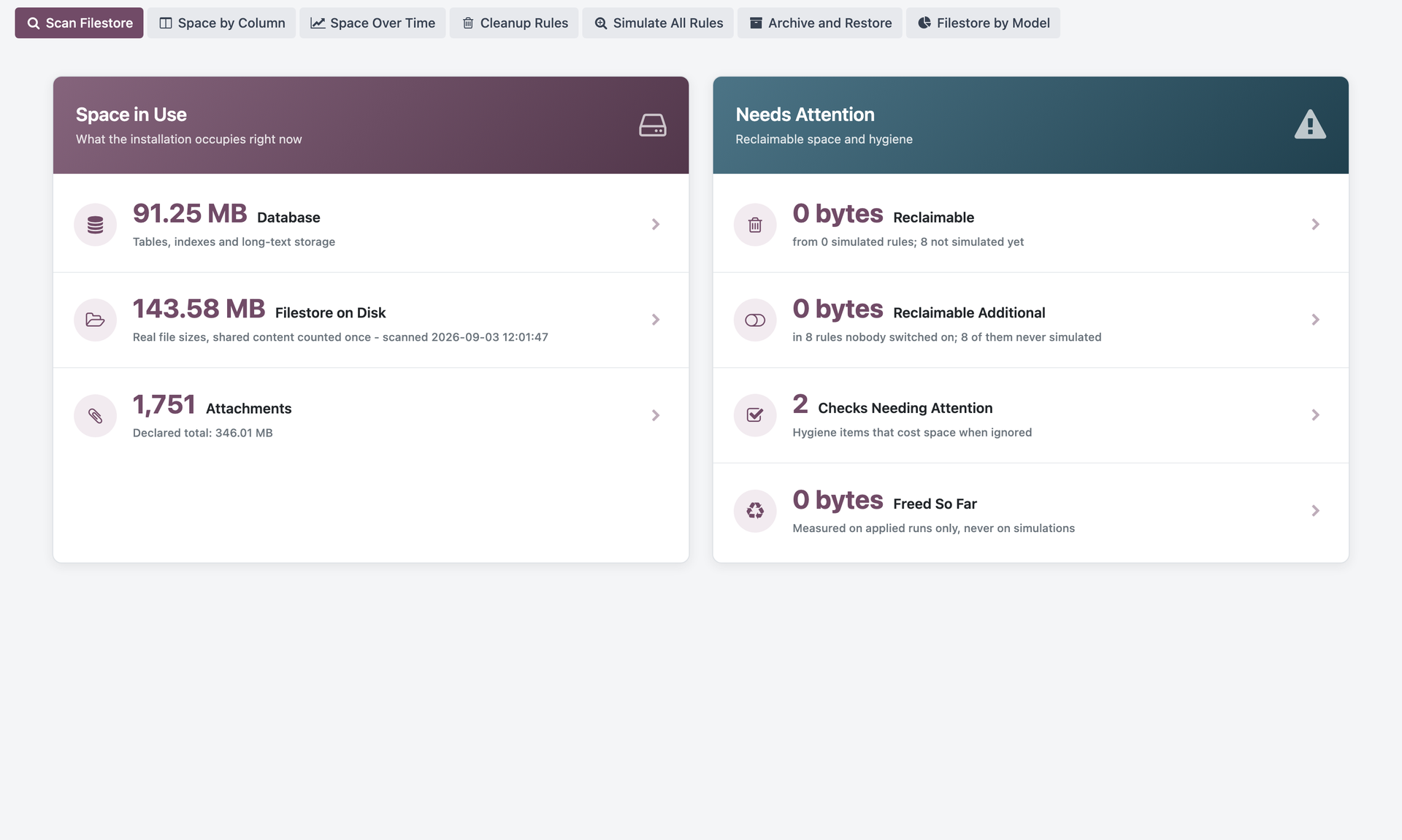
How much the database and the filestore take, measured on disk rather than declared — plus how much the cleanup rules could reclaim and how much has been freed so far, counted only from real runs, never from simulations.
What you get
The real size, component by component
Broken down by what actually consumes the space.
Where the space goes
Attachments, versions, logs and technical data, ordered by size.
Safe reclaim
What gets deleted is what may be deleted — not what looks big.
A record of every action
What was reclaimed, how much and when.
Questions it answers
- How big is the system really, and which part is growing?
- What can be deleted without losing business information?
- How much space do we reclaim if we run the cleanup now?
- Can we prove later what was deleted, and when?
Storage Cleanup is implemented by Odoo partners.
Tell us what you need and we will point you to one — or talk to the partner you already work with.